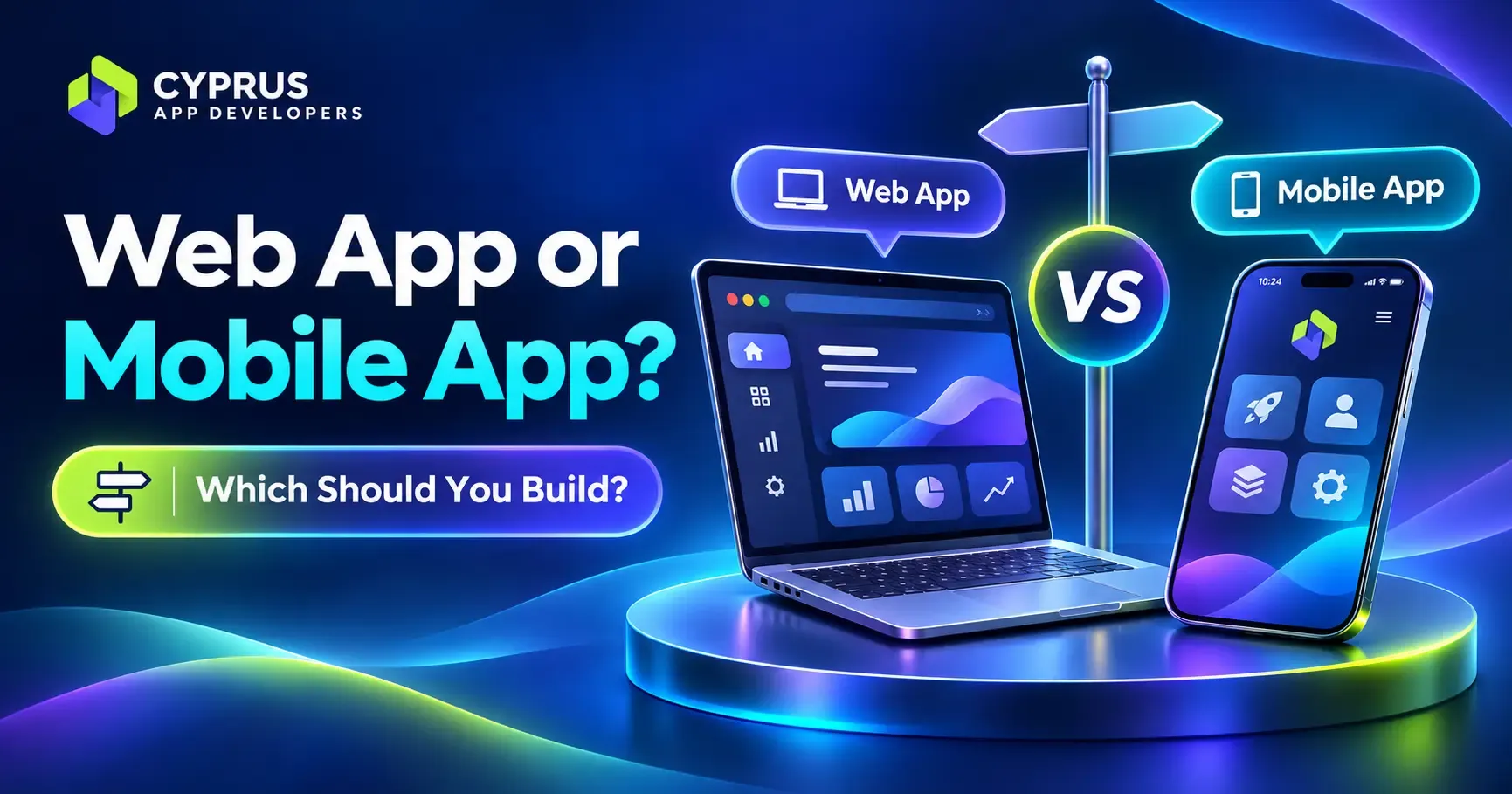
This is the question people often ask. We have a simple way to approach it.
Build a web app if your users are staff, partners or customers who use it now and then, or if you want to launch quickly and keep costs down. Build a mobile app if people will use it often, on their phone, and you need things like push notifications, offline use or the phone’s camera and location. Many projects start as a web app and add a mobile app later, once the idea has proved itself.
The rest of this guide explains the difference in plain English and gives you five questions to help you decide.
The short version
- A web app runs in the browser. There is nothing to download, it works on any device, and every change goes live straight away. People can also run it in their phone’s browser.
- A mobile app lives on the phone and is downloaded from the App Store or Google Play. It is the best choice for things people use every day and for features that depend on the phone itself.
- A progressive web app (PWA) sits in between: a web app that can be installed on the home screen and work offline.
- Cost: building separate native apps for iPhone and Android roughly doubles the price, according to Clutch. A web app or a cross-platform build avoids that.
- Not sure? Start with the simplest option that proves your idea.
What is the difference?
A web app is software you open through a link in your browser, like an online booking system, a customer portal or a dashboard. You build it once and it works on a laptop, a tablet and a phone. People do not need to install anything or visit an app store.
A mobile app is installed on the phone from an app store. It can use the phone’s features more fully, such as the camera, location and notifications, and it sits on the home screen where people see it every day. This is a real benefit if you want direct communications with your client, as SMS and email are sadly not as effective anymore due to spam.
A progressive web app is, in the words of MDN, “an app that’s built using web platform technologies, but that provides a user experience like that of a platform-specific app.” It can be installed on the device, can work offline and can run background tasks, all from a single codebase.
Web app vs mobile app at a glance
| What matters | Web app | Mobile app |
|---|---|---|
| Getting it | Open a link. Nothing to install. | Download from the App Store or Google Play. |
| Devices | Any device with a browser, from one build. | Native apps need a version each for iPhone and Android. Cross-platform tools can share one build. |
| Cost to build | Usually lower, because one version works everywhere. | Higher if you build native apps for both phones. Clutch says that roughly doubles the price. |
| Launching | No app store approval. | Goes through app store review. Apple charges $99 a year and Google a one-time $25 to publish. |
| Updates | Users get changes immediately. | Users update through the store, and changes have to pass store review first. |
| Offline use | Limited, unless it is built as a progressive web app. | Built in more fully. |
| Notifications | Possible. On iPhone they work for web apps added to the Home Screen (iOS 16.4 and later). | Well supported on both iPhone and Android. |
| Phone features | Some, through the browser. Support varies by browser and device. | The broadest access to the camera, location and sensors. |
| Being found | Public pages can be found through search. | Found in the app stores, and needs its own promotion. |
When a web app is the right choice
- It is for your team. Internal tools, dashboards, quoting and workflow apps are usually best as web apps, especially when they need to join your other systems together.
- Customers use it occasionally. Portals, account areas and booking forms do not need a place on the home screen.
- You want to launch quickly and test the idea. One build, no app store, and changes go live when you make them.
- It needs a bigger screen. Reports, admin panels and anything with lots of data suit a laptop better than a phone.
- You would rather not depend on app store rules and fees.
When a mobile app is the right choice
- Customers will use it often. A place on the home screen makes a big difference to how often people open something. This is why loyalty, ordering and community apps tend to work best on mobile.
- Notifications are central. If reminding people at the right moment is the point of the product, a mobile app is the safest route.
- It has to work offline, or depends on the camera, location or other phone sensors.
- It is a client-driven process, like bookings, selling, community or loyalty.
As a rule of thumb: mobile suits the things your customers do, and web suits the things your business does behind the scenes and the way your systems are joined together. Often the best answer is both, working together.
The middle options
Progressive web apps. A PWA gives a web app some mobile-app behaviour: install it on the home screen, work offline, send notifications. MDN lists offline operation, background sync, notifications and sharing among the things PWAs can do. The catch is that support depends on the browser and device. On iPhone, for example, web push notifications work for web apps that have been added to the Home Screen, according to Apple’s WebKit team. If a feature is essential to your product, check that it works on the devices your users have.
Cross-platform mobile apps. One build produces both an iPhone and an Android app, which avoids paying for two native builds. It is often the sensible choice when you need a real mobile app on a sensible budget.
Often the answer is both
You do not always have to pick one. Many of the best solutions use a mobile app for your customers and a web app for the business behind it, with the two talking to each other.
Take a loyalty app. Customers carry it on their phone and collect rewards. The business owner opens a web dashboard on a laptop to update the specials, see how things are going and send notifications to customers, without needing to use the phone app at all. The mobile app is the customer side, and the web app is the owner’s control panel.
The same idea works between a website and an app. If you already have a website, a blog or an online shop, an app can be connected to it, so accounts, content and conversations are shared across both. A reader could comment on the website or in the app and see the same discussion in each, for example.
Five questions to help you decide
- Who will use it? Staff and partners point to a web app. Consumers who use it daily point to mobile.
- How often? Occasionally suits the web. Every day suits a home-screen app.
- What does it need to do on the phone? If it must use the camera, location or run reliably in the background, lean towards mobile.
- Does it have to work offline? If yes, plan for a mobile app or a carefully built PWA.
- What are the budget and timeline? If both are tight, start with a web app or a single cross-platform build, and add to it later.
A common path: start on the web, add mobile later
You do not have to decide forever. Many businesses launch a web app first to see whether people want it, learn what they actually use, and then build the mobile app with that knowledge. The back end of the system (where your data and logic live) can usually be reused, so the early work is not wasted. It is a far cheaper way to learn than building two native apps on a guess.
Mistakes we see
- Building for both phones before proving demand. That roughly doubles the bill before you know whether anyone wants it.
- Choosing an app because everyone has one. If people will use it twice a year, a web app is usually enough.
- Choosing a web app for a daily-habit product. Customers forget things that are not on their home screen.
- Forgetting data protection. Whichever you choose, if you offer it to people in the EU, GDPR can apply. Plan for it from the start. This is general information, not legal advice.
How we help you choose
You do not need to decide before you talk to us. Tell us what the problem areas are and what the app has to do and we will use our 30+ years of experience to find the best fit for your business. Simplicity is the key: a web app, a mobile app, or the two working together. Sometimes a web app is all you need. You can read more about web app development and mobile app development. If your goal is to run the business better rather than to launch a product, our business tools are usually web apps, and our community apps are usually mobile.
Frequently asked questions
Is a web app cheaper than a mobile app?
Usually, because one version works on every device. Building separate native apps for iPhone and Android roughly doubles the price, according to Clutch. We cover costs in detail in our guide to what it costs to build an app.
Do web apps work offline?
Only if they are built to. A progressive web app can store what it needs on the device and keep working without a connection, but an ordinary web app needs one.
Can a web app send push notifications?
Yes, in modern browsers. On iPhone, web push works for web apps that the user has added to the Home Screen, from iOS 16.4.
Do I need the App Store for a web app?
No. People open it from a link, and you avoid app store review and fees.
Can I start with a web app and add a mobile app later?
Yes, and it is a common and sensible route. The data and logic behind the web app can usually be reused.
Not sure which to build?
Tell us what you are thinking and who it is for. We will give you an honest recommendation, even if the answer is the simpler, cheaper option. Tell us your idea.
Sources
- MDN: Progressive web apps
- WebKit: Web Push for Web Apps on iOS and iPadOS (February 2023, iOS 16.4)
- Clutch: How much does app development cost? (native iOS and Android roughly double the price)
- Apple Developer Program ($99 annual membership)
- Google Play Console registration (US$25 one-time fee)
Last updated: November 2026. Browser and device support changes over time: check current support for any feature your product depends on.